Timers that stay out of your way.
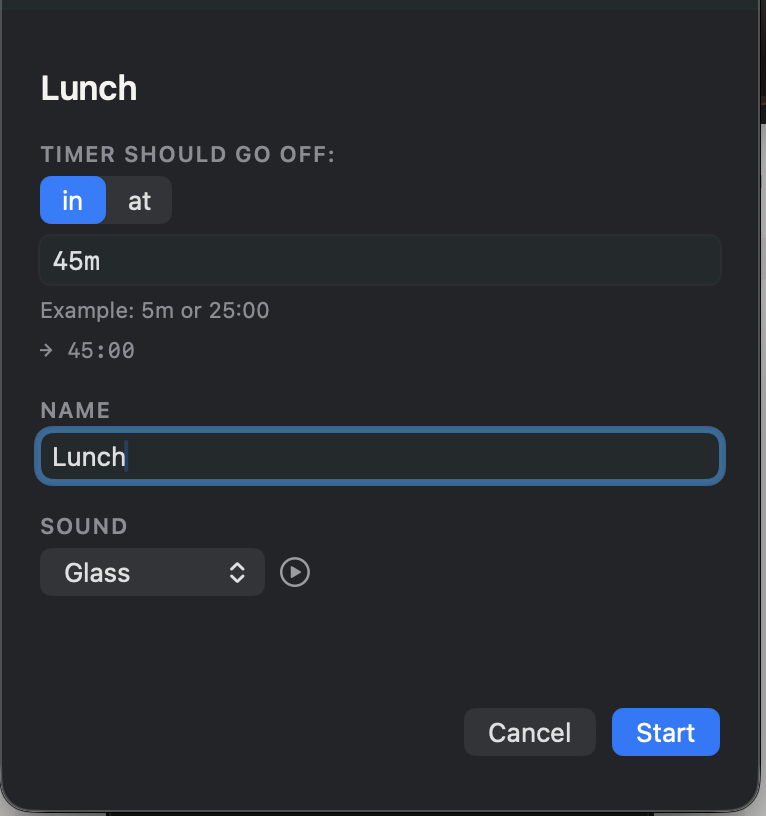
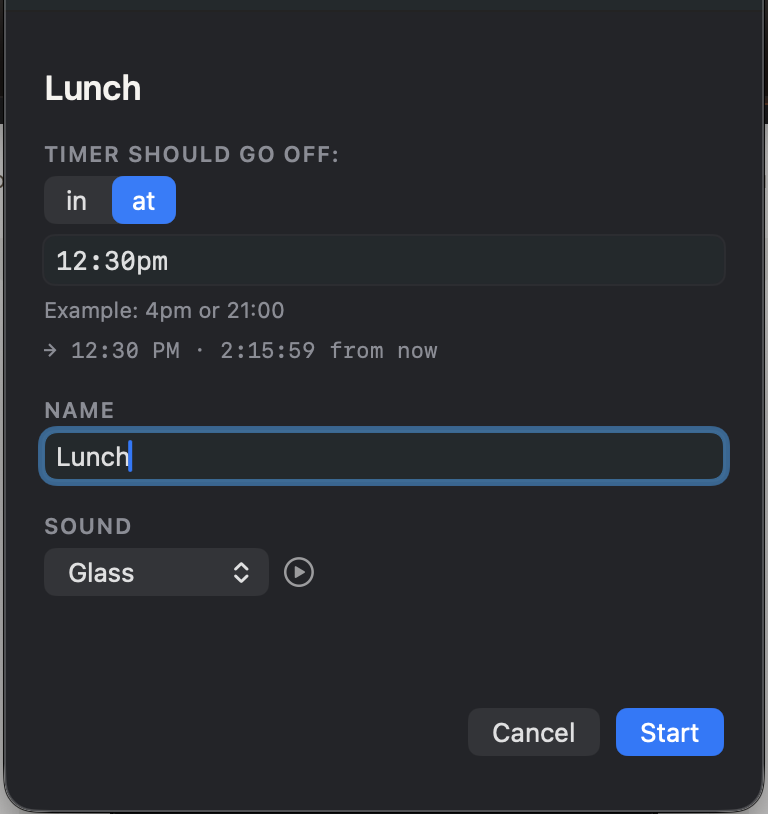
Click the bell in the menu bar, name a timer, pick a duration and a sound, hit Start. The soonest countdown ticks down right up there, so you always know what's next.
macOS 13+ · Published by The Trade Script, LLC
A look at it.



Just timers.
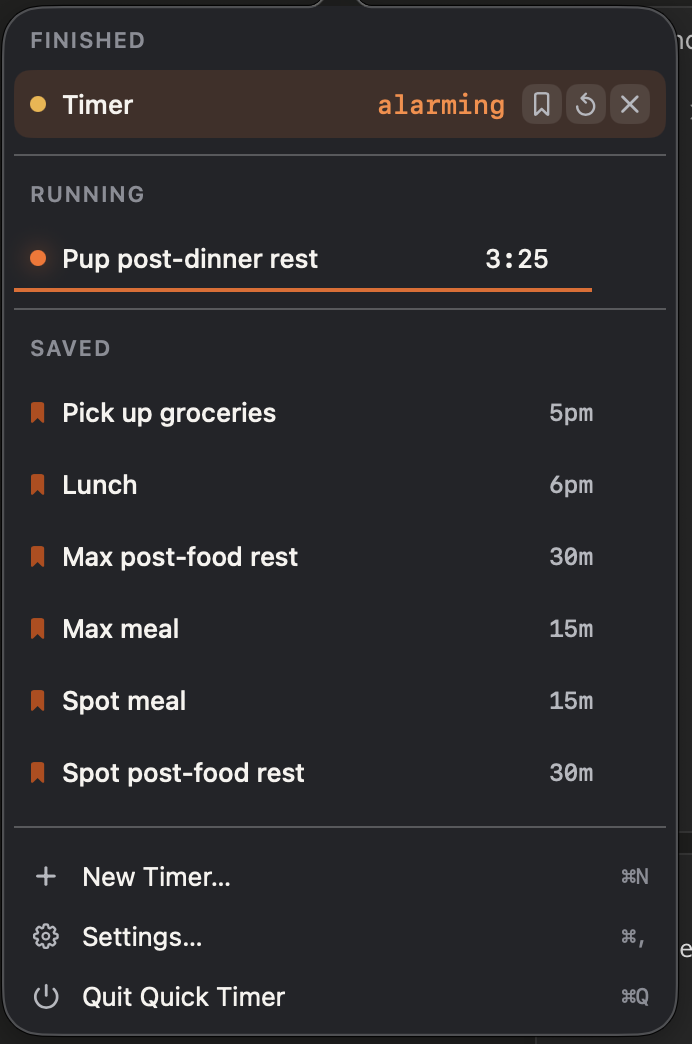
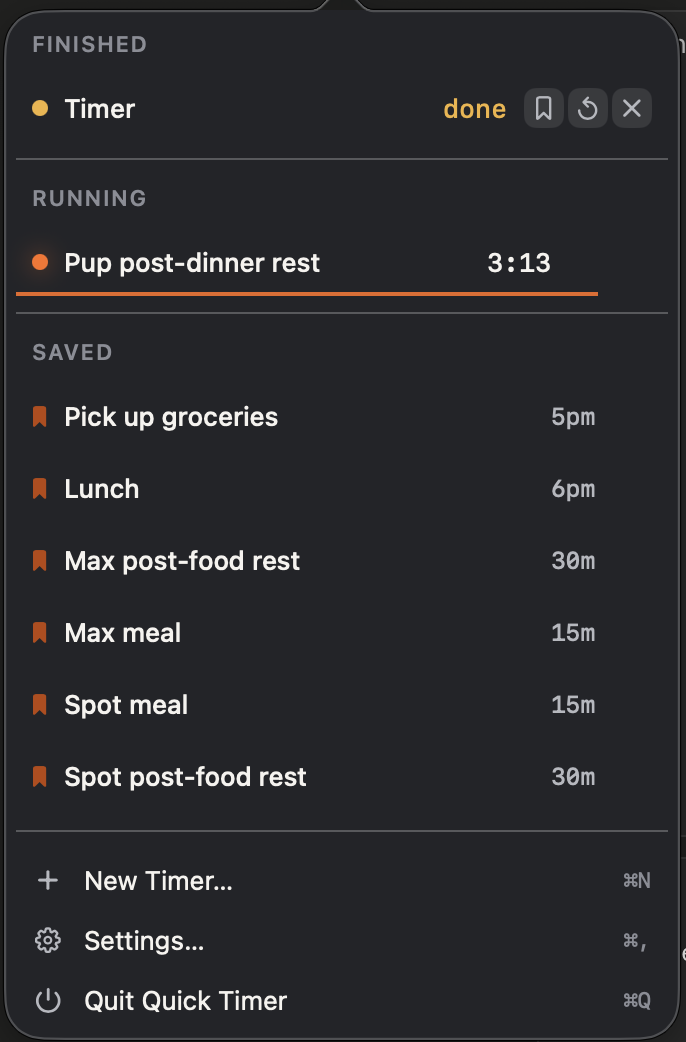
As many as you want
Run Tea, Standup and Pasta at once. Each gets its own row with pause, resume and cancel.
Type it naturally
5pm, 45m, in 3h, or 25:00. Quick Timer figures out what you meant.
Save it once, reuse forever
Bookmark a timer and it lands in your saved list. One click and it runs again.
Rename on the fly
Rename a running timer whenever you want. The countdown keeps ticking. Renaming is just text, not a restart.
Pause without losing your place
One click pauses a timer in place. Resume whenever, no restart, no math.
Each timer picks its own sound
Every timer has its own alarm. Something subtle for a Pomodoro, a loud one for the pasta water.
You won't miss one
Your chosen system sound loops and a notification stays up until you dismiss it.
No dock icon, no windows
Quick Timer lives in the menu bar. Nothing to arrange, nothing to close.
No accounts, no cloud
Nothing leaves your Mac. There is no sign-in, because there is nothing to sign in to.
Runs entirely on your Mac, quiet in the menu bar until you need it.
Coming free to the Mac App StoreNeed help? Email support@thetradescript.com and we'll get back to you.
Read the privacy policy.